

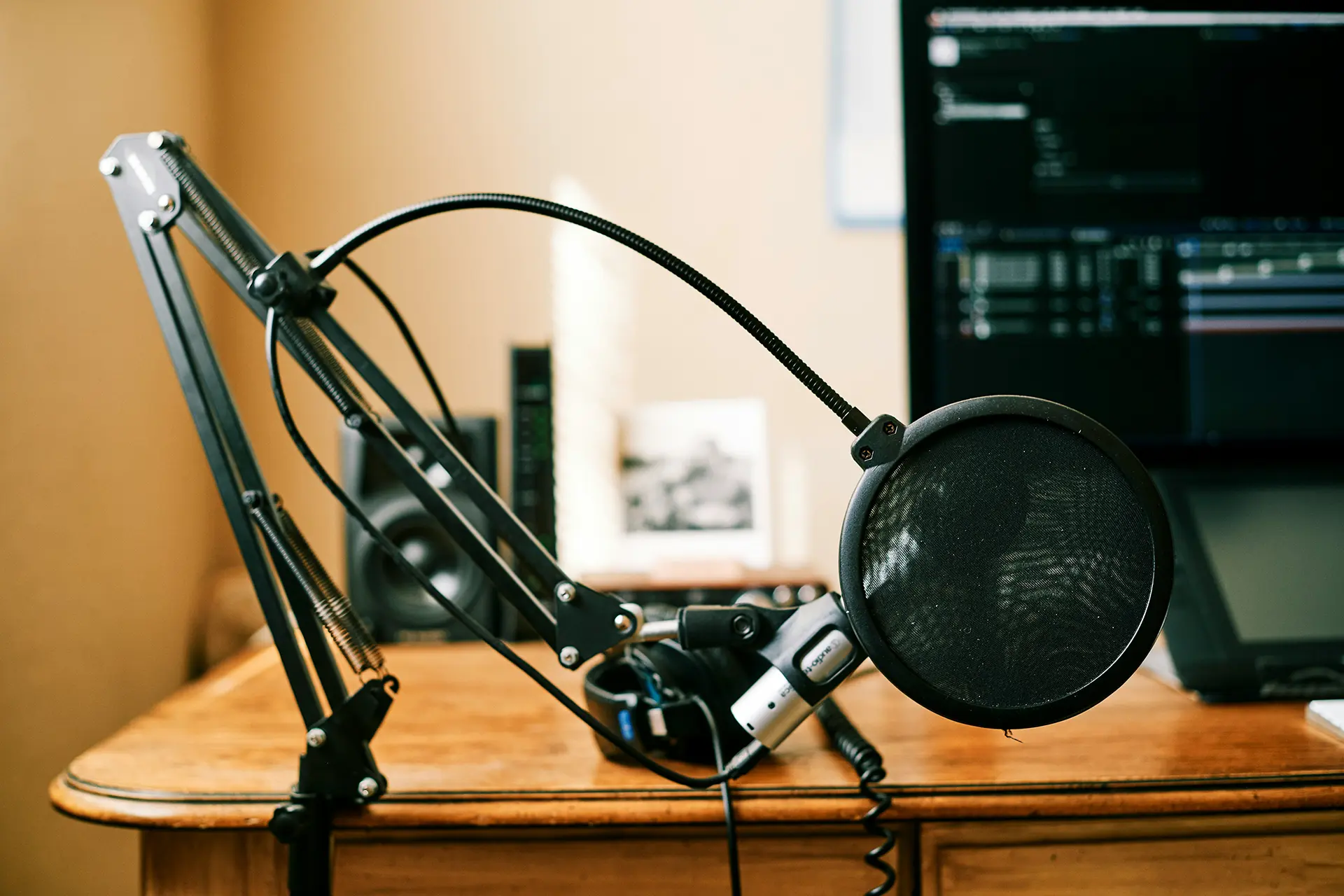
If you’ve decided to narrate your own audiobook and you don’t want to use a professional studio like Edgewater, you’ll need a recording setup that delivers professional results. The good news? You don’t need to spend thousands of dollars. With the right equipment and environment, you can create studio-quality audio from home.
Here’s how to build a budget-friendly home studio for audiobook production.
Step 1: Choose the Right Microphone
Your microphone is the heart of your studio. Look for a USB condenser microphone designed for voice recording. Popular options include:
- Audio-Technica AT2020USB
- Blue Yeti Pro
- Rode NT-USB
Avoid cheap headsets — they won’t meet ACX audiobook standards.
Step 2: Control Your Recording Environment
Even the best microphone will sound bad in a noisy room. Tips for improving acoustics:
- Record in a small, quiet space (closets often work best).
- Use foam panels or blankets to absorb sound reflections.
- Turn off fans, AC, and anything that creates background noise.
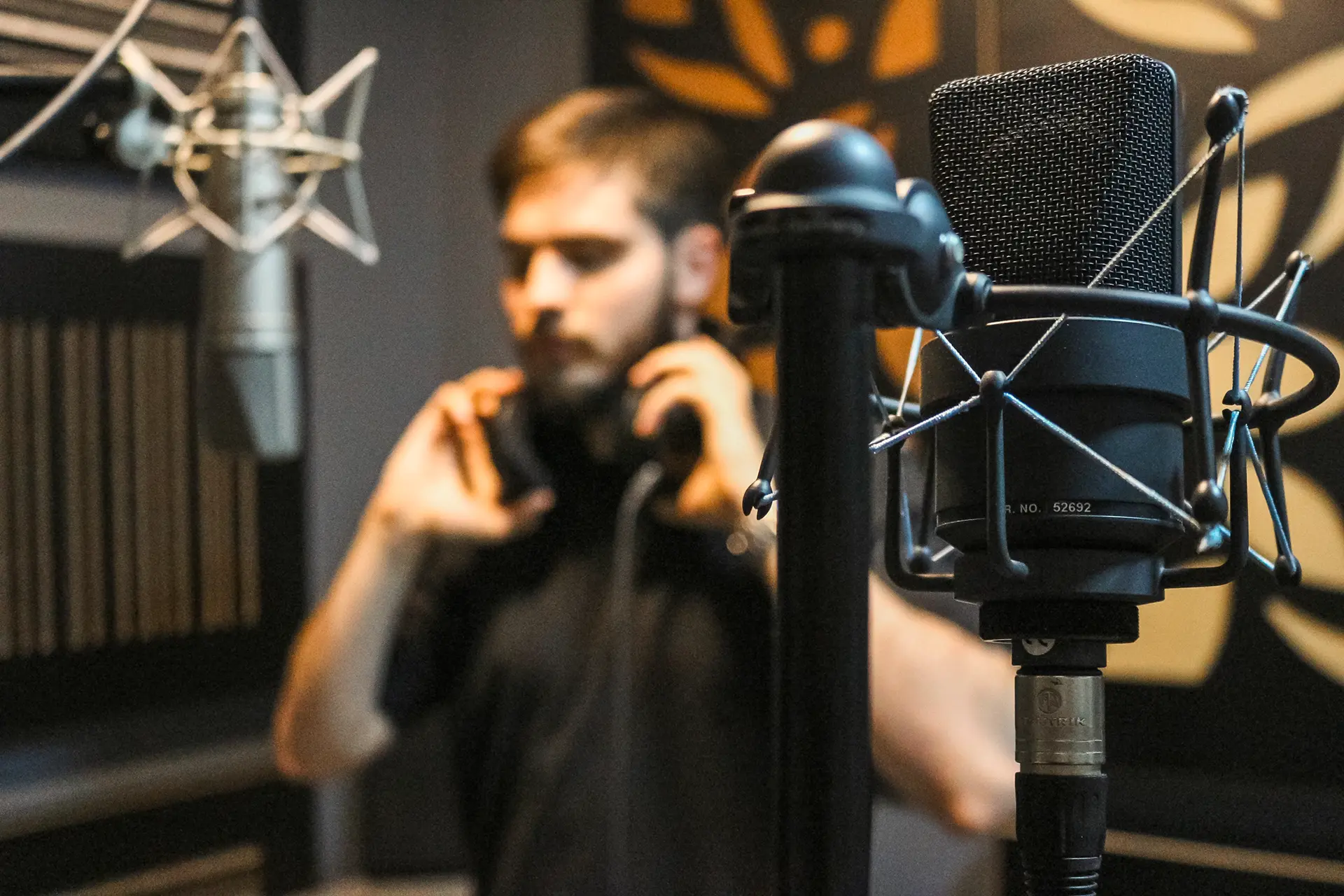
Step 3: Use Recording Software
Free and paid options are available. Two popular programs:
- Audacity (free) – great for beginners.
- Adobe Audition or Reaper – advanced editing features for professionals.
Step 4: Monitor with Headphones
Always wear closed-back studio headphones so you can hear mistakes as you record.
Step 5: Work with an Editor
Even with a good setup, raw recordings need editing and mastering. An audio engineer will:
- Remove breaths, clicks, and background noise.
- Balance volume across chapters.
- Ensure your files pass Audible/ACX requirements.
Final Thoughts
You don’t need a Hollywood studio to create a professional audiobook. With a quiet space, a quality mic, and professional editing support, your home setup can rival any studio.